MULTI-PLATFORM VULKAN ENGINE
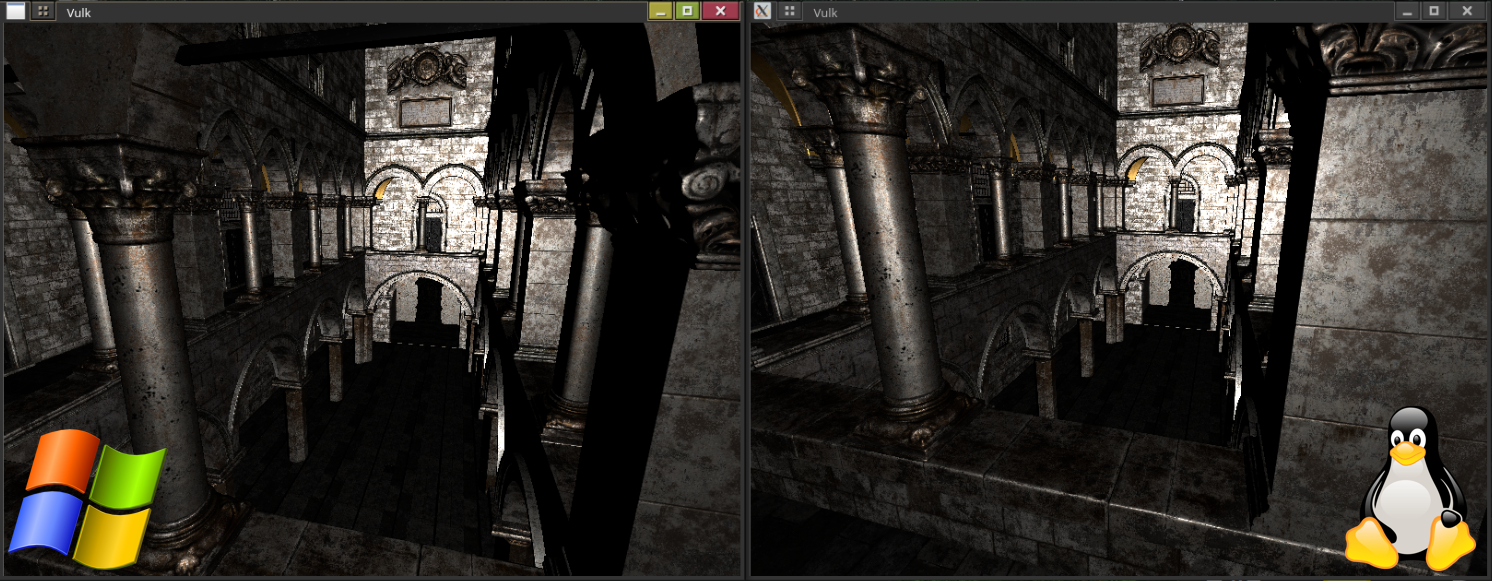
Intro
My plan was to create a multi-platform render engine with support for PBL lighting and
shadows.
I tested on both AMD and NVIDIA GPUs on different Operating
systems I encountered a lot of inconsistencies, and I learned a lot about how different
drivers treat instructions.
Setup
My development environment consisted of two computers for testing my program. I mainly developed the engine on Machine 1 and tested compatibility on Machine 2.
Machine 1
OS:
WINDOWS 10
CPU:
Intel
GPU:
Nvidia 4060
Machine 2
OS:
Linux x86_64
WINDOWS 10
CPU:
AMD Ryzen 9 7950X3D
GPU:
AMD Radeon GRE 7900






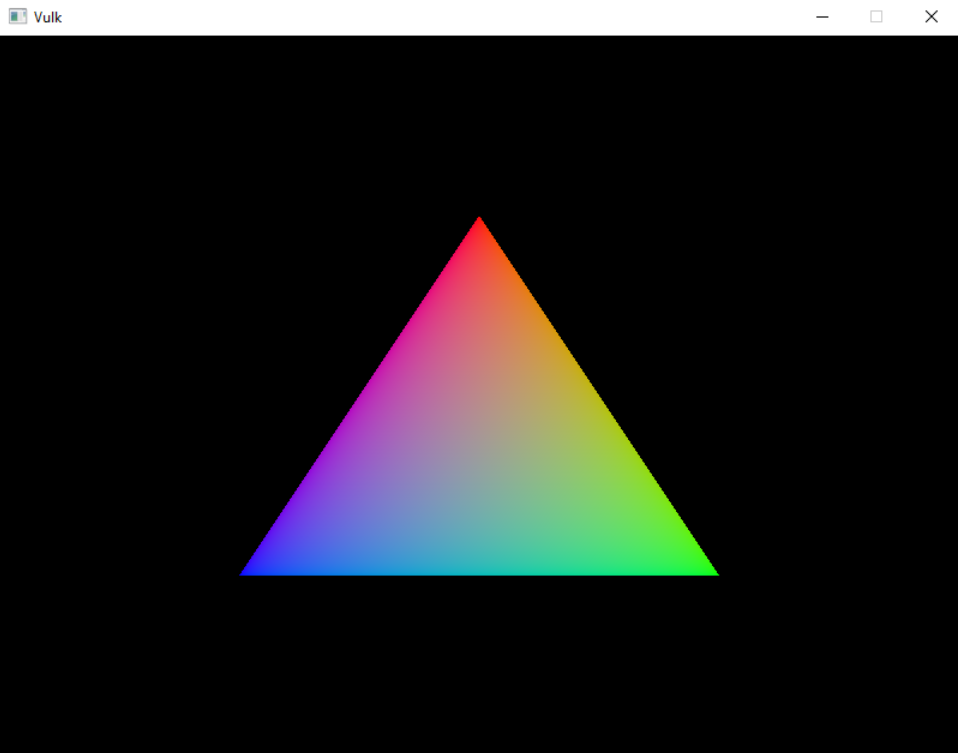
I had very little problems setting up all the tool and dependencies and could begin implementing my engine early. I followed a guide on how to setup and render with Vulkan. The guide was at first quite decent and easy to follow along to and I was seeing good Progress.
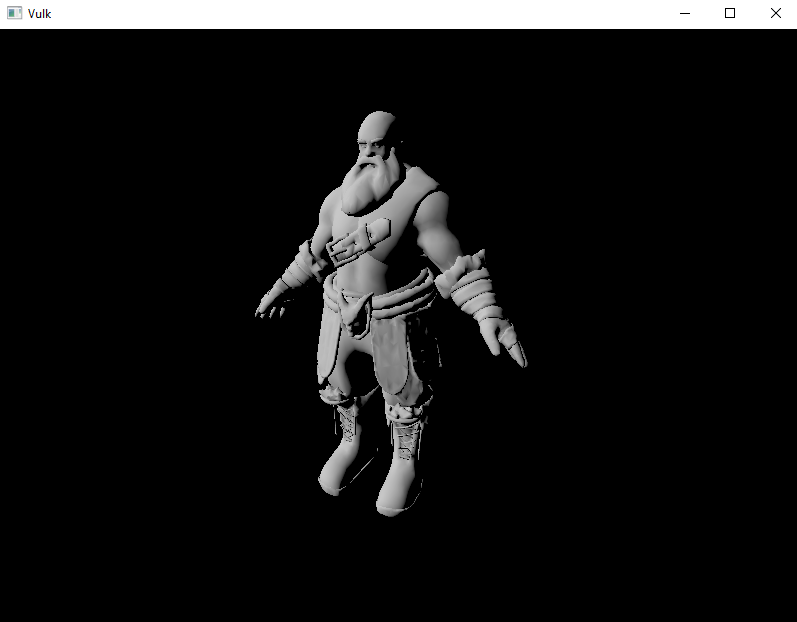
I kept following the tutorial and eventually got a cube to render and eventually one of
my own models. Add some fake directional lighting and it's starting to look good.
I added frames in flight and made it possible to have more
than one model at once.
Once i got to adding textures, the guide started to have more errors, and the guide did
not align with their provided reference code.
The structure that the guide was giving me was not scalable, and there was no sign of
it is getting better. I tried adding support for meshes with multiple materials; it was then I
decided to abandon the guide completely due to not having a section dedicated to it.
Testing the engine
I tested my program on mainly 2 completely different computers; one fitted with a 4060
and intel processor running windows 10 only.
The other computer is fitted with a
AMD GPU and AMD CPU with dual boot for both Linux and windows 10.
I developed
the engine on the windows computer and pushed to git afterwards and tested the program
on the Linux computer.
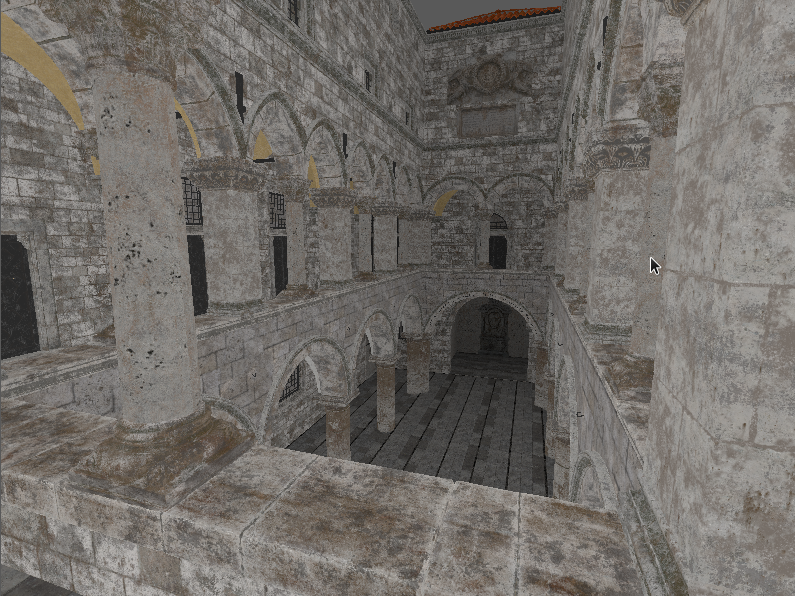
The testing is mostly fine, independent of the operating system. Sadly, it was not as smooth when testing cross GPU
vendor. Thanks to developing on a NVidia GPU, I had created functionalities that only worked on
NVidia GPUs. The NVidia drivers also "helped" too much by letting the program run with errors
while not giving any logs or indication that things were wrong.
The way the engine
switches textures worked fine on NVidia but completely broke on AMD and moving my camera around
crashed on AMD due to it listening to my commands unlike NVidia that gave me false
impression that everything worked as it should have. It did not, I was locking buffers and then
writing to them which was fine on NVidia that somehow let me ignore my lock. On AMD the program
would realize that it was writing to locked data and simply null it and throw warnings and
errors.
Debuging the engine
Thanks to having built the engine with a GPU that gave no errors I had plenty of small and large bugs that I needed to fix. It also did not help that my main graphics debug tool RenderDoc broke due to the errors, when taking a capture of the program all the textures are nulled when stepping through frame events, even though it reports.
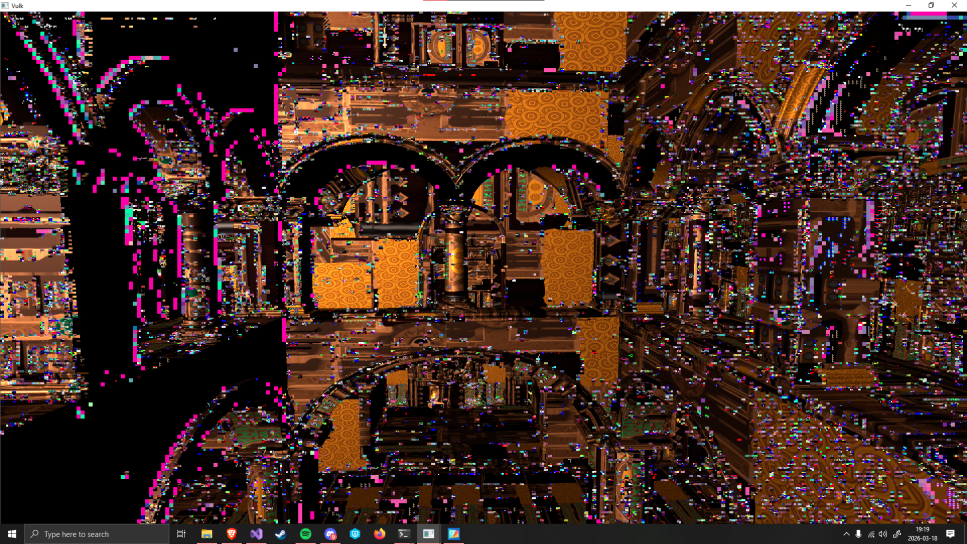
This led to a rather interesting development cycle I would see what needed fixing by trying to compile and launch my engine on Linux and the fixing the errors on the windows computer.
The dreaded sponza model
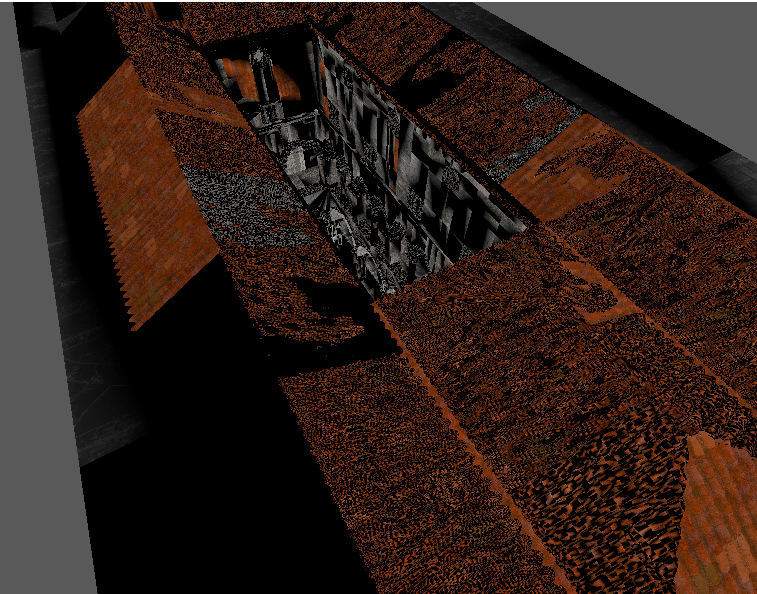
Ahh the almost 1GB ASCII FBX model that has tested my engine's limits by being so
unimaginably
broken that it gets its own chapter.
It comes as a FBX format that blender can't
read that breaks the normals when converted with the official ASCII converter.
It's
missing vertex tangents which are required for PBL calculations.
This model has made me make changes to so many parts of the engine to simply load it correctly with
all of its normals and textures intact together with its 28 materials and 401 elements.
In
short, this model is perfect if you are making an engine that is reliant and durable.
PBL
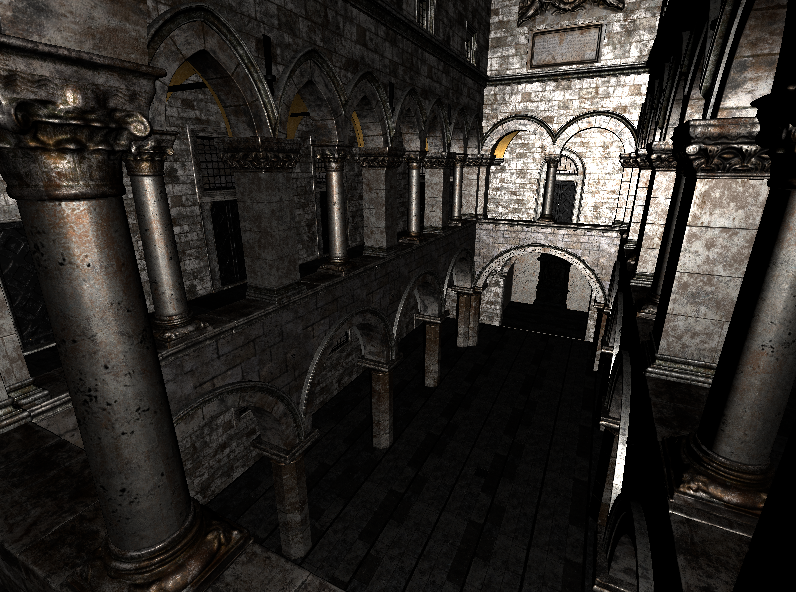
Adding PBL would have been a lot simpler if I would have used a model that had all of it's
values exported. The sponza model that I use (provided by intel) is missing tangents which
is
crucial for the shader functions.
I had a lot of trouble when importing the sponza
model due to it missing tangent I have had to try and generate tangents from normal and UVs
I have done PBL before, and I intend to reuse the shaders to speed up the process.
Ugly Threading
The debugging process was so slow that I had to find a way to speed it up. I ended up
treading the loading of the model and textures to be able to quickly test changes to the
engine without having to all the textures.
loading time went from 55+ seconds (even higher in debug) down to 7.5 seconds, which is a huge
improvement when testing.
It is completely thread safe and does not cause any issues, but it is a bit of a hacky.
I intend to rework the loading system in the future to be more
robust and better structured but for now this is a good enough solution to be able to test
my engine without waiting for 1 minute every time I want to test a change.
Conclusion
I learned a lot!
Building this engine has thought me about multi-platform inconsistencies
between GPU vendors and how to write OS interchangeable code.
The engine currently
needs reworked somewhat to be in a more useful state, but it still has a decent foundation
to start building a game.
If I would do something different it would be to choose a
different GPU to do my main development on to be able to catch bugs at an early stage.
Working on different GPUs that behave differently has by far been one of the more challenging things
that I have done in this project. However, my hard work paid off, and I now have a multi-platform
graphics engine that I can keep building upon in the future.
I have yet to add shadows and some more PBL still needs to be added despite that I view this as a
success!